U7 Mesh Review: WiFi 7 Goes Outdoors — Real World Testing

The request for a proper WiFi 7 mesh unit from Ubiquiti has been loud for a while, and it has finally arrived. The U7 Mesh brings WiFi 7 performance to the mesh lineup — outdoor-ready, compact, and capable of running without a single cable run if needed.
I tested this across three scenarios: outdoor mesh at the edge of a garden, indoor placement as a fill-in AP, and hardwired as a standard access point. Here is everything you need to know before deciding whether it belongs in your next deployment.
Physical Design & What's in the Box
The U7 Mesh is a compact cylindrical unit — very similar form factor to its predecessor. You get a PoE injector in the box, which means if your switch doesn't have PoE you can still power it using the injector separately. There is also a desk stand mount for indoor placement, a small wall bracket for the PoE injector to keep cabling tidy, and the outdoor weather mount.
The colour LED ring at the top is a new addition and it is genuinely useful at a glance — it shifts from red through orange, yellow, and into green to show the quality of the mesh uplink signal at any moment. When you are placing the unit outside, you can walk around and watch the ring change in real time to find the optimal position.
The outdoor mount is what gives the device its IPX6 weatherproofing rating. It has a rubber grommet at the base through which you feed the Ethernet cable — keeping the ingress point sealed. Worth noting: you need a proper outdoor-rated Ethernet cable for permanent installations. The standard indoor cable that ships with the device is fine for testing but not for leaving outside long term.
Tech Specs vs U6 Mesh — What Actually Changed
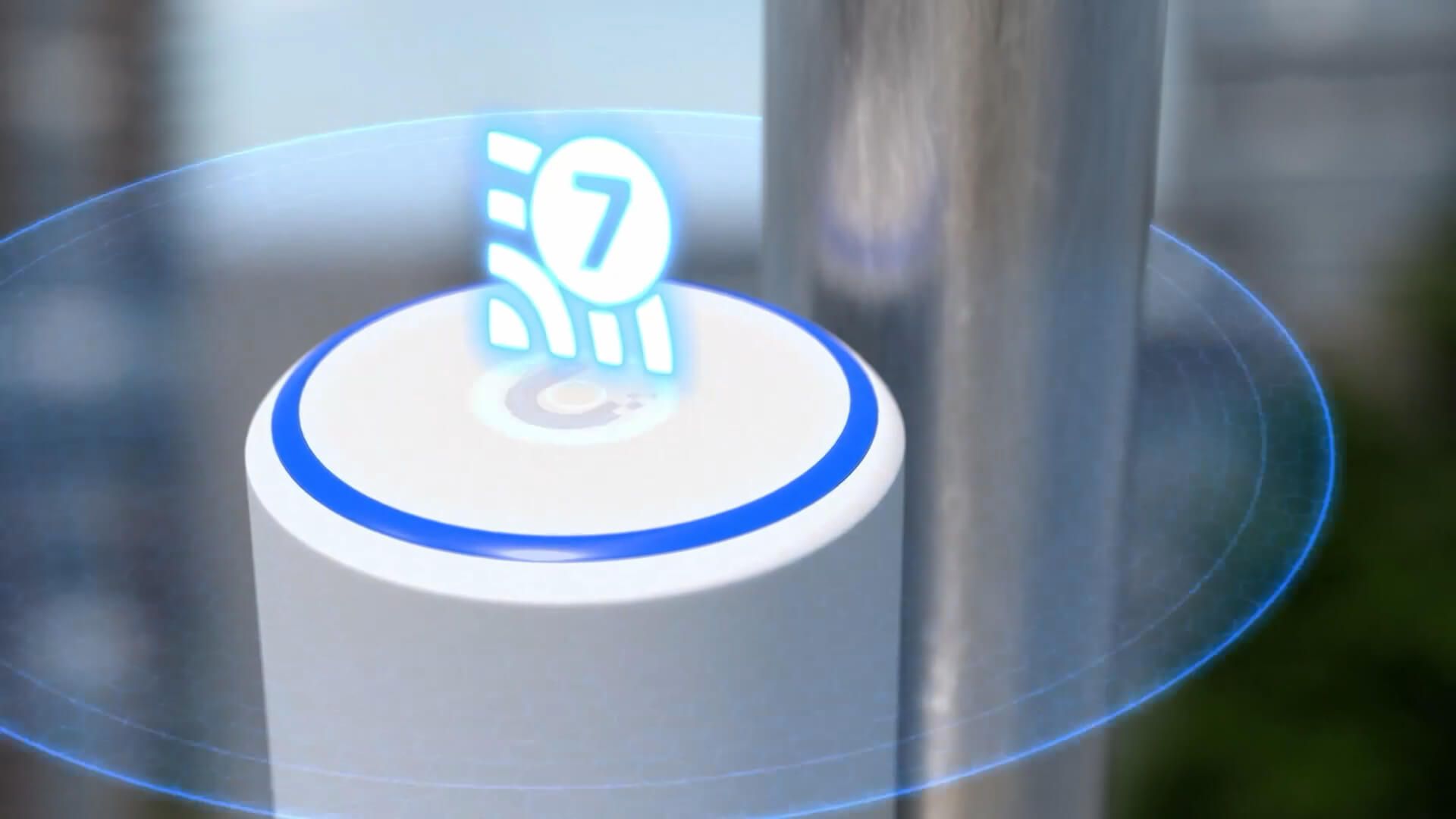
The headline upgrade is the jump from WiFi 6 to WiFi 7 and from a 1 GbE to a 2.5 GbE uplink port. In mesh deployments the 2.5 GbE port matters more than you might think — it eliminates the Ethernet uplink as a bottleneck when the device is wired.
One thing the spec sheet shows in the U6 Mesh's favour: the previous generation had a 4×4 antenna on 5 GHz versus the U7 Mesh's 2×2. In practice this is offset by WiFi 7's efficiency gains, but it is worth being aware of if you are comparing on paper. The U6 Mesh also supports slightly more concurrent clients at 250+ versus 200+. For most real-world deployments neither limit will be hit, but in very high density environments it is a consideration.
Super Antenna Architecture
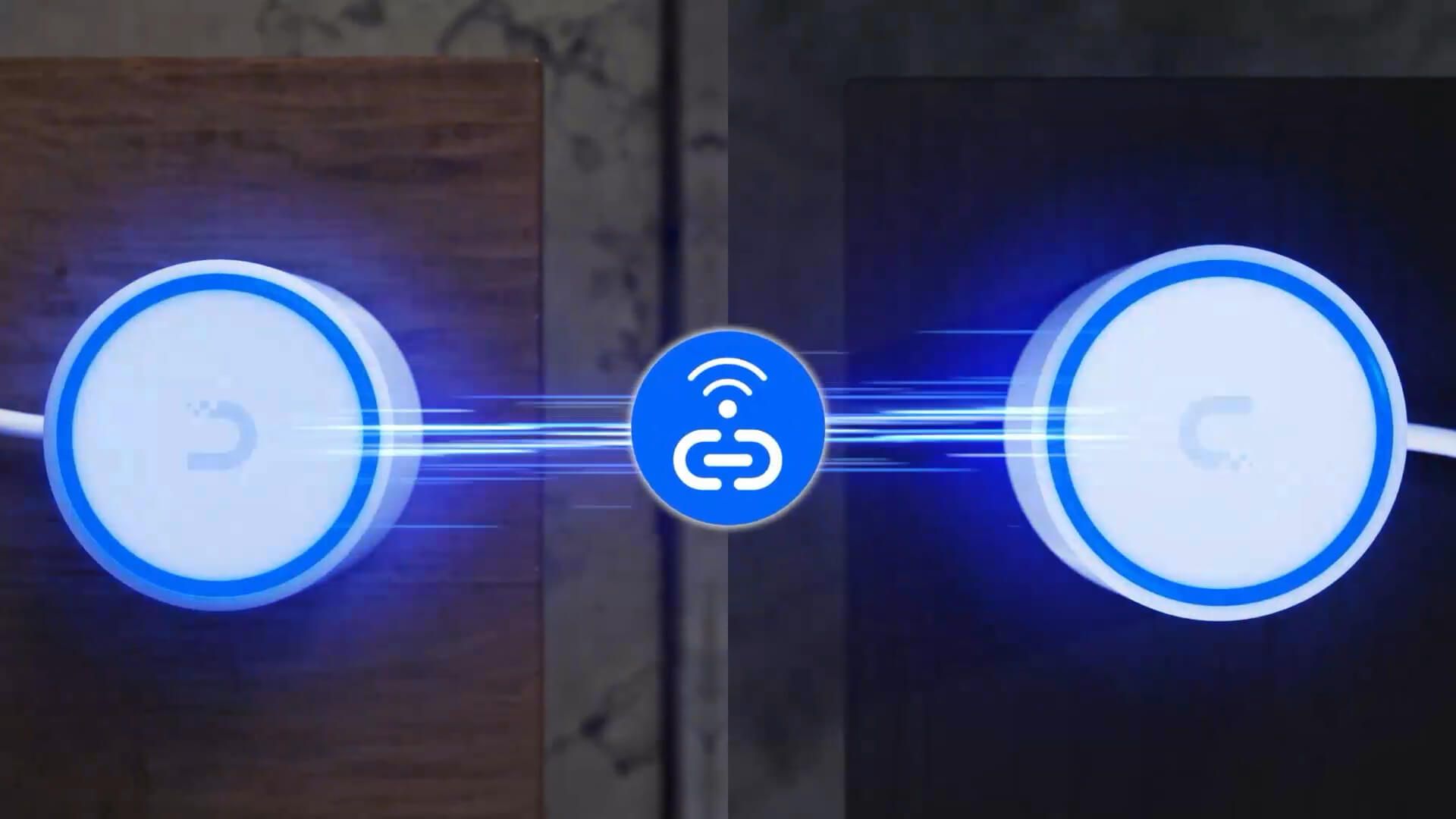
Ubiquiti describes the U7 Mesh's internal design as a "super antenna architecture" — a hybrid system that combines true omnidirectional coverage for client connections with a precision long-range directional beam specifically for mesh backhaul. The directional beam extends mesh reach up to three times farther than a standard omnidirectional design.
In practice this means the U7 Mesh is designed to maintain a strong backhaul link with a parent AP at distance, while simultaneously serving clients across a broad area. The omnidirectional component handles client coverage and the directional element locks onto the nearest AP for backhaul — the device manages this automatically through the RF Intelligence Engine.
Outdoor Mesh Testing — Real Numbers
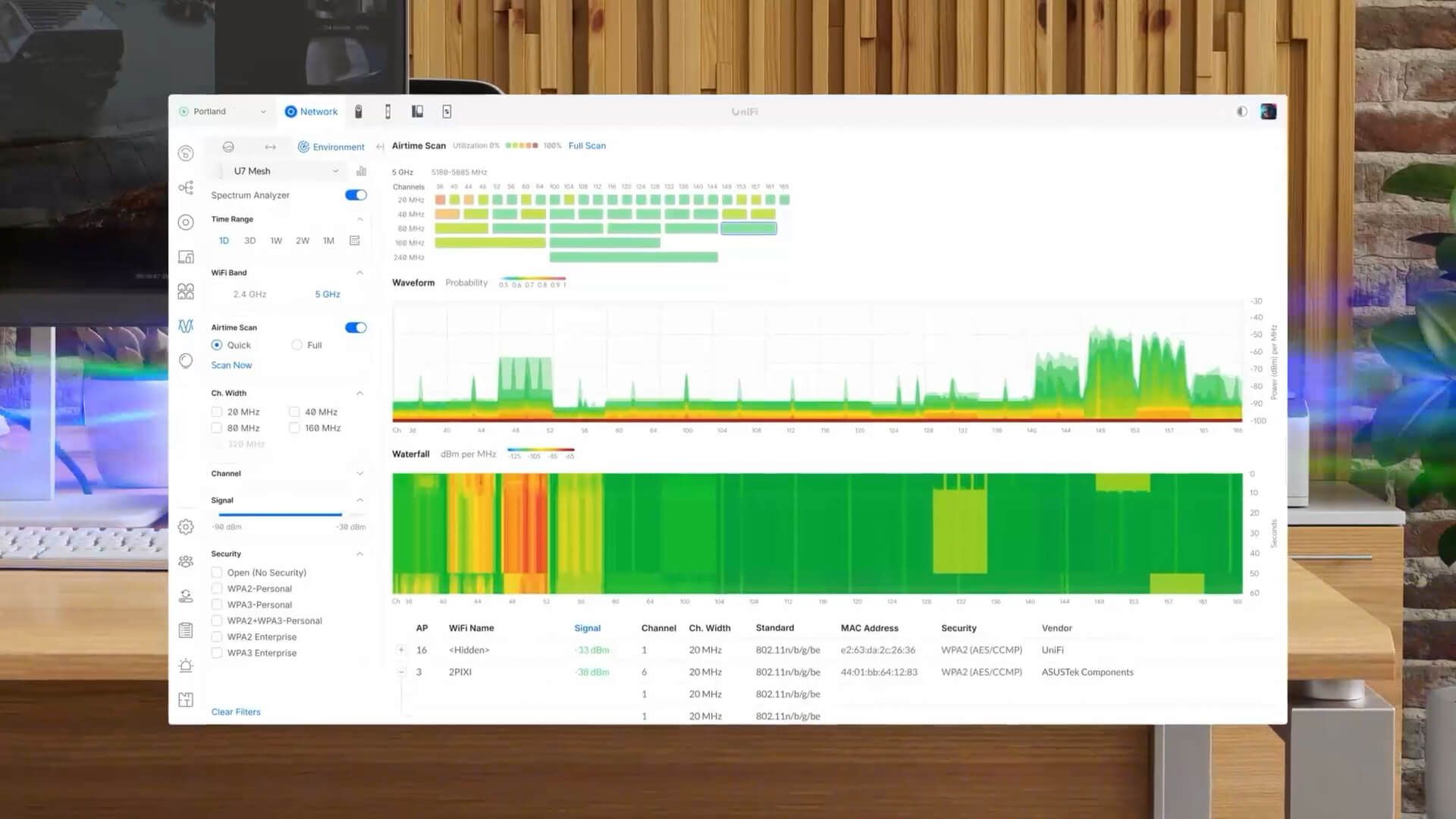
Before installing the U7 Mesh I tested the existing signal at the far end of the garden — around 15 to 20 metres from the nearest indoor access point. Signal strength was −80 dBm and throughput was a disappointing 20 to 30 Mbps. The LED ring on the U7 Mesh confirmed this: deep orange, barely connected.
After mounting the U7 Mesh on a downpipe midway through the garden (the correct placement — not at the far end, but positioned to broadcast outward from a point with a decent uplink), the numbers changed significantly.
At one to two metres from the mounted U7 Mesh: −51 dBm signal strength and throughput peaking at 170 Mbps, pushing towards 180. Ubiquiti's own speed test (WiFiman back to the gateway) confirmed 135 Mbps sustained download and upload, with brief peaks near 200 Mbps.
Moving to the far end of the garden — around 10 metres past the mounted unit — signal remained at −70 dBm and throughput held at 50 to 60 Mbps. Compare that to the 20 to 30 Mbps with nothing at all. The coverage is genuinely usable across the entire outdoor area rather than just near the building.
Indoor & Hardwired Performance
Used indoors in mesh mode and placed close to another AP, the U7 Mesh connected at 5 GHz, 160 MHz channel width, −35 dBm signal strength — and throughput broke 500 Mbps. This is the ideal scenario for the device: filling in a dead spot inside a building where running cable is awkward.
When hardwired — plugging directly into the network and disabling mesh — the 2.5 GbE uplink delivers its full benefit. Connected through two switch hops to the gateway, throughput peaked at 850 Mbps and held 600 to 650 Mbps consistently. UniFi Network even prompts you to disable AP meshing on wired units, which is the correct approach and good to see as a recommendation in the interface.
UniFi Network Settings
In UniFi Network the U7 Mesh shows a signal scale with the colour-coded indicator matching the LED ring on the device itself — useful for placement decisions without needing to physically look at the unit. The insights tab shows channel, width, live air time, active client count, retry rates, and a brief historical view.
Settings available include indoor/outdoor mode (important for regulatory TX power compliance), transmit power adjustment, roaming assistant, and mesh settings. You cannot manually change the 5 GHz channel width since that band is used for the mesh uplink — the system manages it. When hardwired you can and should disable meshing through the interface, which UniFi now actively recommends for wired APs.
Verdict — Should You Buy It?
- +You need outdoor WiFi without cable runs
- +You want WiFi 7 in a compact mesh form factor
- +Your site will use it hardwired (2.5 GbE is excellent)
- +You need flexible placement — desk, wall, pole, or outdoor
- +You're extending coverage to gardens, car parks, or outbuildings
- −You need 6 GHz (not available on this device)
- −Very high client density — U6 Mesh's 4×4 5 GHz may suit better
- −You can run a cable — always wire APs where possible
- −Budget is tight — the U6 Mesh at £179 is still excellent value
The U7 Mesh is a genuinely useful addition to the UniFi lineup. The combination of WiFi 7, 2.5 GbE uplink, and the outdoor-rated compact form factor covers a gap that the previous generation could not fill as neatly. For businesses needing outdoor coverage in gardens, car parks, warehouse yard areas, or simply filling dead spots inside a building without cable runs, it earns a clear recommendation.
Installing U7 Mesh at your site?
InsideWire supplies and installs Ubiquiti UniFi hardware across the UK — outdoor WiFi, internal coverage, full UniFi deployments.