UniFi Protect 7.0: Every New Feature Explained

UniFi Protect 7.0 is now available and it brings some genuinely useful updates across the board. The headline features span camera layout customisation, AI-powered search, firmware rollback, tag management, path tracking, and case study sharing. Here is a full breakdown of everything that changed.
Customisable Camera Layout
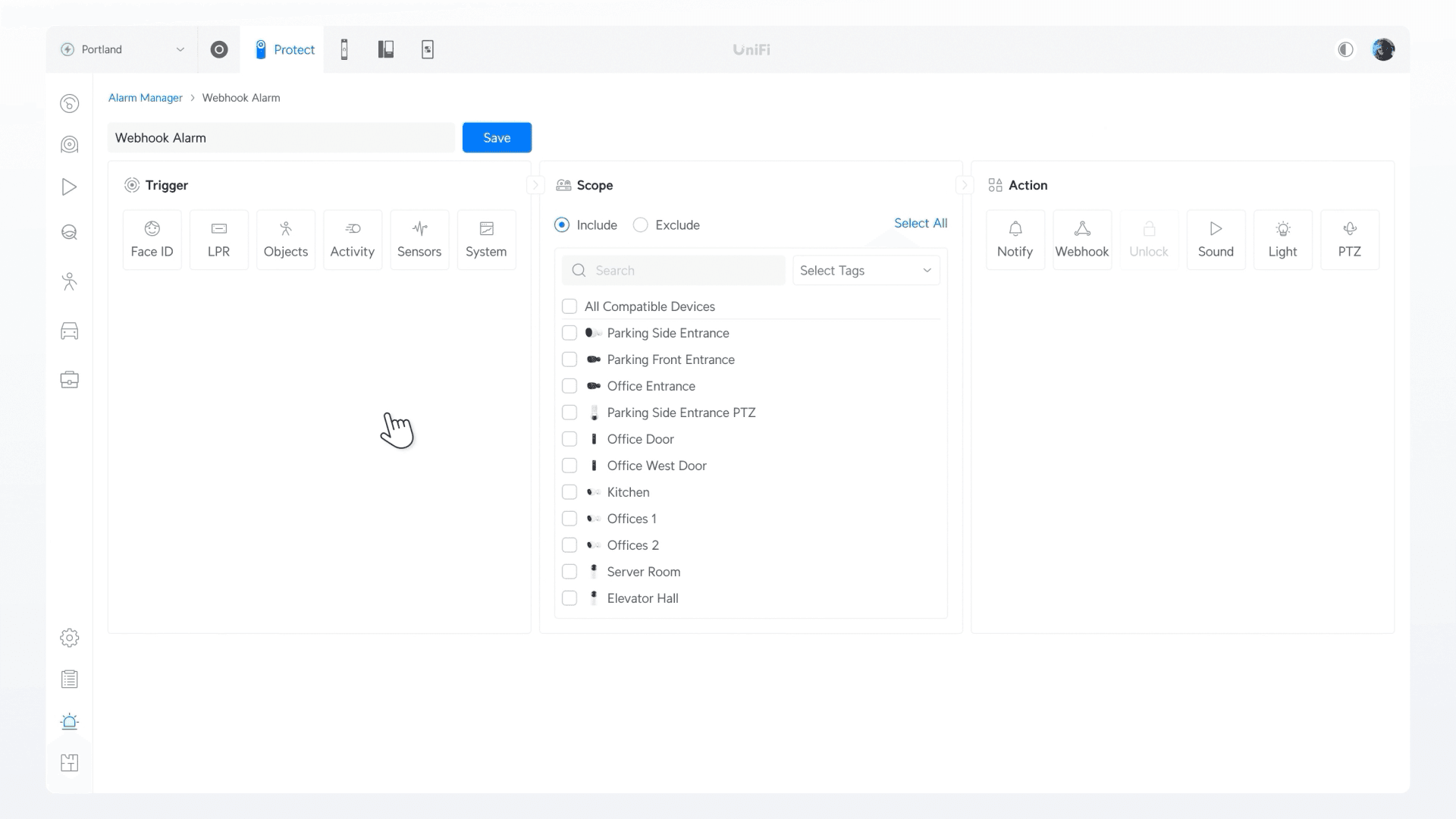
Previously the Protect dashboard displayed all cameras in fixed square tiles with no flexibility. Protect 7.0 changes this completely. You can now click Rearrange Camera on the dashboard, use Auto Arrange to let Protect suggest the best layout, and then manually adjust from there.
Individual cameras can be resized — larger for primary views, smaller for secondary coverage areas — and repositioned anywhere in the grid. Once you are happy, click Save and the layout persists. This is one of those quality-of-life improvements that makes a genuine difference on larger installations where you might have 8, 12, or 20+ cameras on a single view.
The 360 camera view also gets an improvement here — you can now click into the camera tile, choose your preferred view angle and direction, and it will hold that position. You can also toggle between warped and deworped views, with the preference saved per camera.
Firmware Version Revert
Protect 7.0 adds firmware rollback support, requiring UniFi OS 5.1. From within the UniFi OS ecosystem you can now revert to the previous Protect version without any manual intervention or SSH access. This mirrors the same rollback feature added to UniFi Network 10.2 for switches and access points.
For managed service deployments this is a meaningful change. Updating Protect on a client site has always carried some risk — if a new version introduced a bug with a specific camera model or configuration, rolling back previously required technical intervention. Now it is a click in the interface.
AI Intelligence & Smart Detection Settings
Protect 7.0 introduces a dedicated Intelligence section in settings, surfacing all AI-related controls in one place. This includes AI policies covering object indexing, AI summaries, and speech to text. These tie into alarms and notifications, so the system can generate automatic summaries of detected events.
Facial recognition settings are also here — you can enable or disable it, with a clear indication that disabling it removes access to certain smart detection features. AI recognition precision can be set to auto, low, or high, giving you control over the sensitivity versus false-positive trade-off.
The AI key management panel shows which AI features are active and lets you deactivate individual ones. This level of granular control over what the system is doing with AI processing is useful both for fine-tuning performance and for clients with specific privacy or compliance requirements.
Tag Management
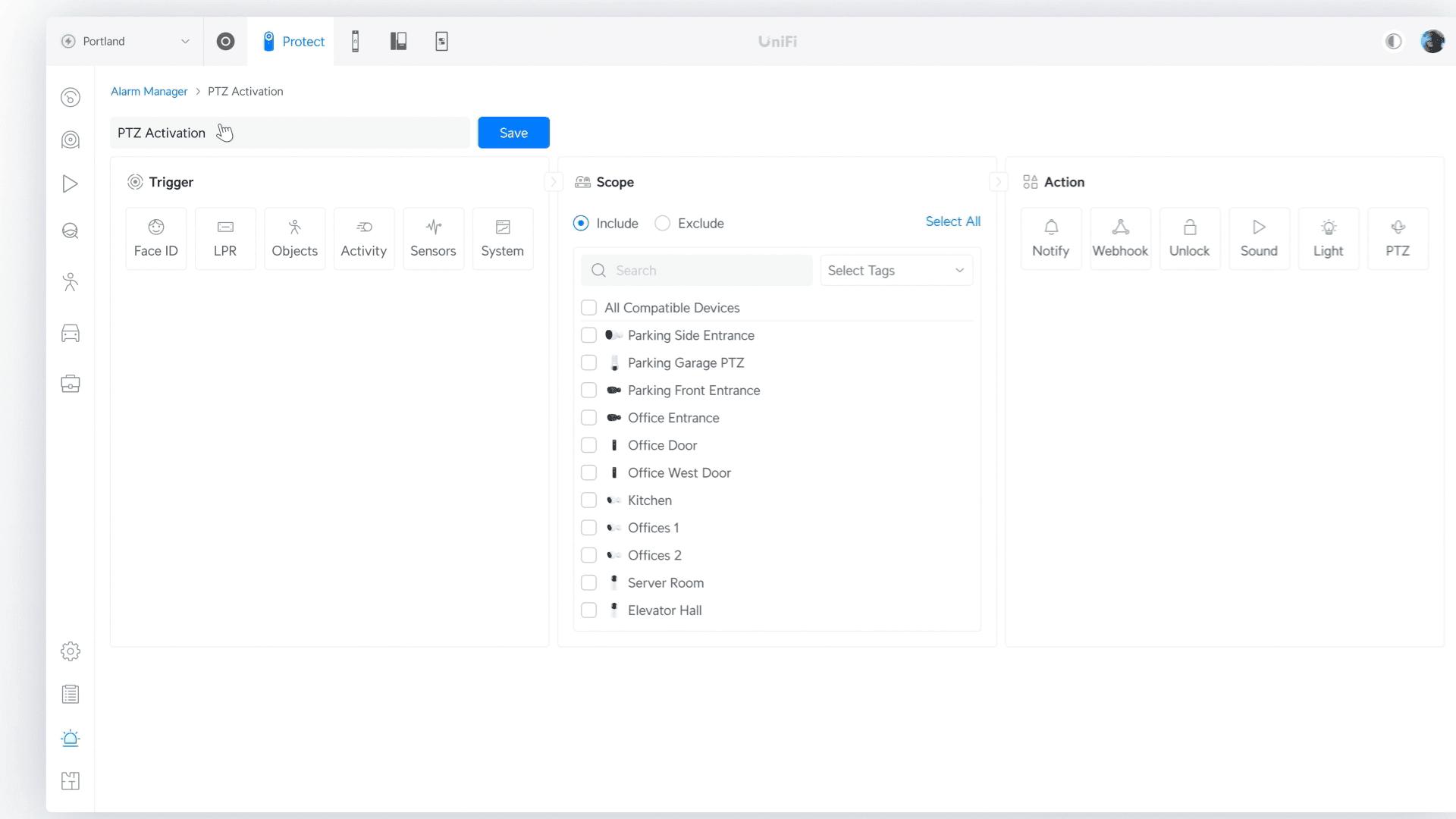
Tag management is a new organisational feature that lets you create named groups of cameras. You create a tag — for example "Outdoor", "Warehouse", "Entrance", or "Car Park" — select the cameras that belong to it, and save. You can then filter the entire camera view, event list, and recordings by that tag instantly.
On a site with 20 cameras across multiple zones, this transforms how you navigate the system. Instead of scrolling through all cameras to find the three covering the loading bay, you filter by your "Loading Bay" tag and only those cameras appear. This also applies to sensors and other Protect devices, not just cameras.
Path Tracking & Image-Based Search
Two new detection and search features have been added. Path settings visualise the route a detected person has walked across a camera's field of view — shown as a tracked line overlaid on the image. This can be useful for investigations where you need to understand movement patterns, entry and exit routes, or dwell time in specific zones.
Image-based search is a significant addition to the event review workflow. Instead of typing a text description, you upload a photo and Protect searches recorded footage for visual matches. In testing, uploading a photo containing a person's face returned matches with a confidence percentage — pushing the confidence threshold to around 40% filtered out low-quality matches and returned clear results.
The event timeline filter has also been updated — you can now select All to show both smart and basic detections in a single unified view, previously these were separated.
Case Study Sharing
Case studies — the saved incident clips within Protect — can now be shared externally. Opening a case study and selecting Share creates a private link that can be sent to anyone. The recipient opens it in a browser with no login required, can view the clip, and play it back.
This simplifies the process of sharing footage with police, insurance companies, HR departments, or any third party who needs to review an incident. Previously sharing footage meant exporting a file and sending it separately. The share link approach is faster and keeps the footage hosted within the Protect system rather than circulating as a downloaded file.
Protect 7.0 — Quick Summary
Running UniFi Protect at your site?
InsideWire installs and manages UniFi Protect CCTV systems for businesses across the UK — from initial deployment to ongoing managed support.